Immersive Career Exploration
The most complete and engaging career exploration solution for students and adult learners


Make The Journey Unforgettable
Transfr Trek helps learners traverse the three phases of career exploration and onboard to career pathways in high-growth industries.
Web/Mobile
Career Awareness
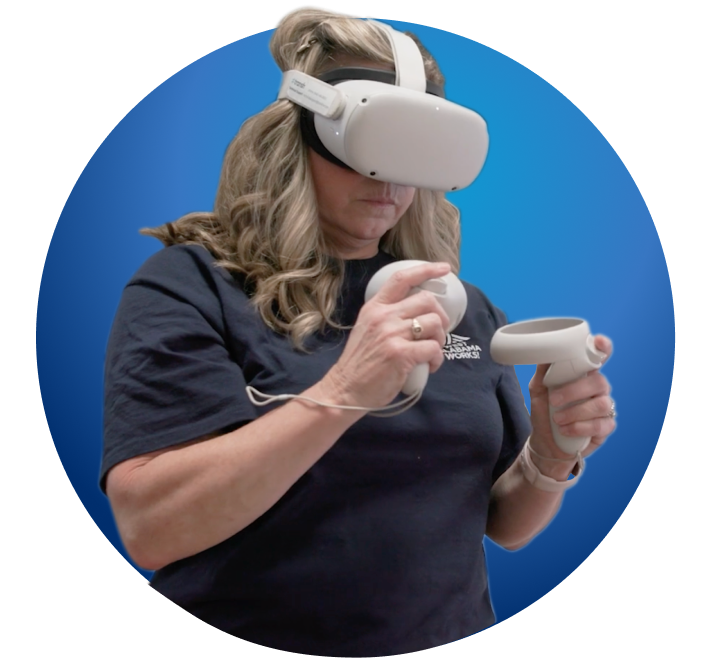
Virtual Reality
Career Experience

Curriculum Resources
Career Planning
Discover How Transfr Trek
Transforms Career Exploration
Inspire Tomorrow’s Workforce
Promote Active Participation
Enable students to build their career pathway with Transfr’s immersive and interactive career exploration, planning, and training experiences.

Foster the Future of Work
Prepare learners to explore and create actionable pathways that bridge classroom learning to real-world modern careers.

Provide a Pathway
Empower learners to develop and identify skills, certifications, and academic requirements needed for careers, enabling them to create effective learning paths.

Democratize Career Exploration
Foster equitable career exploration for learners of all backgrounds, regardless of gender, race, resources, or geographic location.

One Platform. Unlimited Opportunities.
Career data and tools to inform choices about education and career paths.
- Comprehensive career database: Provides a wide range of career data across career clusters with descriptions, high school courses, extended learning opportunities, wage data, employment data, and frequently asked questions.
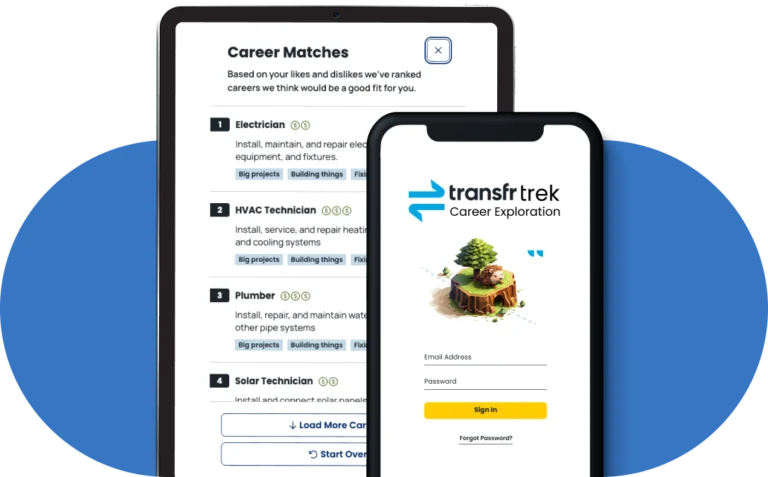
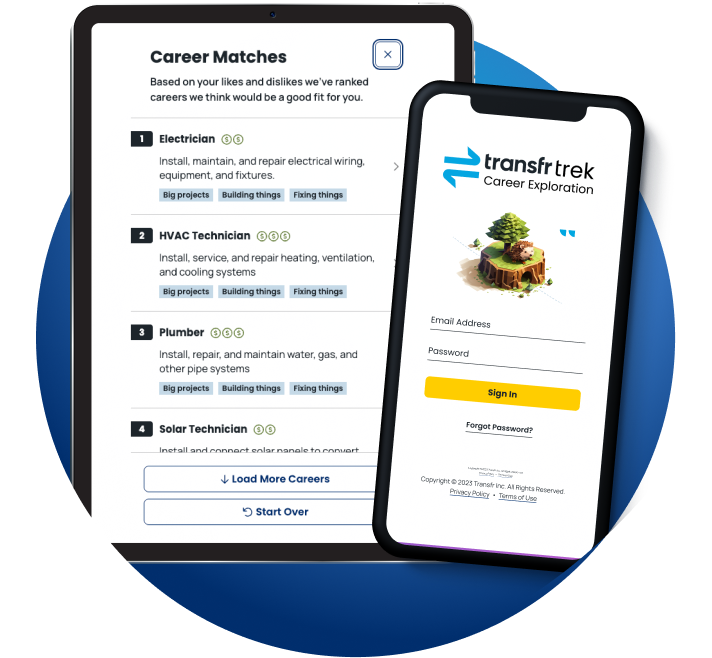
- Career assessment and matching: Learners complete a short survey of their interests and skills, then receive career matches that they can review to align their career paths with their preferences, motivations, and values.
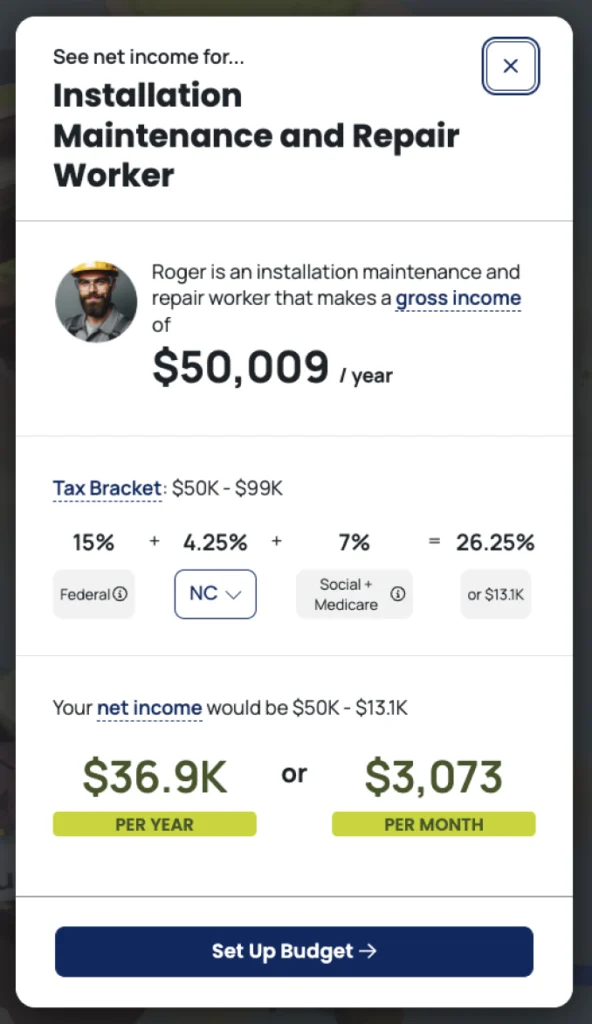
- Financial literacy: learners can compare the financial details across up to three careers, develop a monthly budget for their chosen career, and set both short and long-term financial goals.
- Progress tracking: Allows learners to track and check off tasks as they complete them, such as taking a career assessment, researching a specific occupation, or attending a college fair, then save and review their status.
Interactive VR simulations that reflect a day-in-the-life of modern jobs.
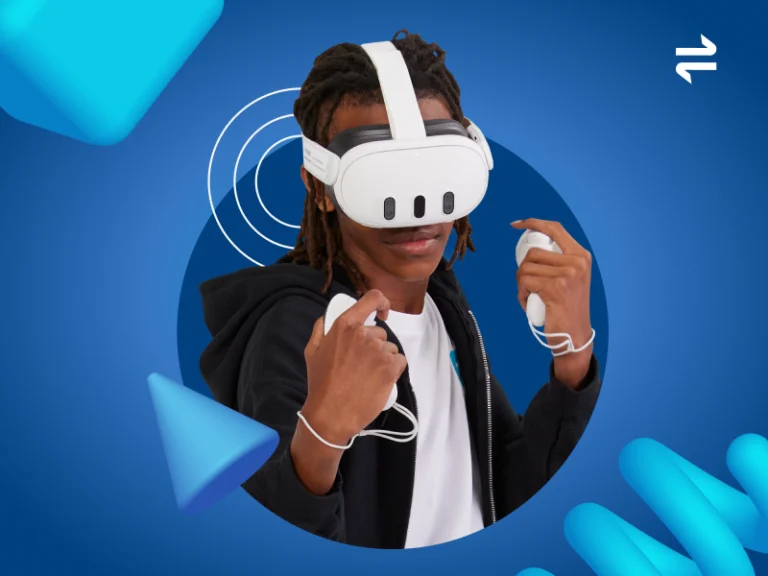
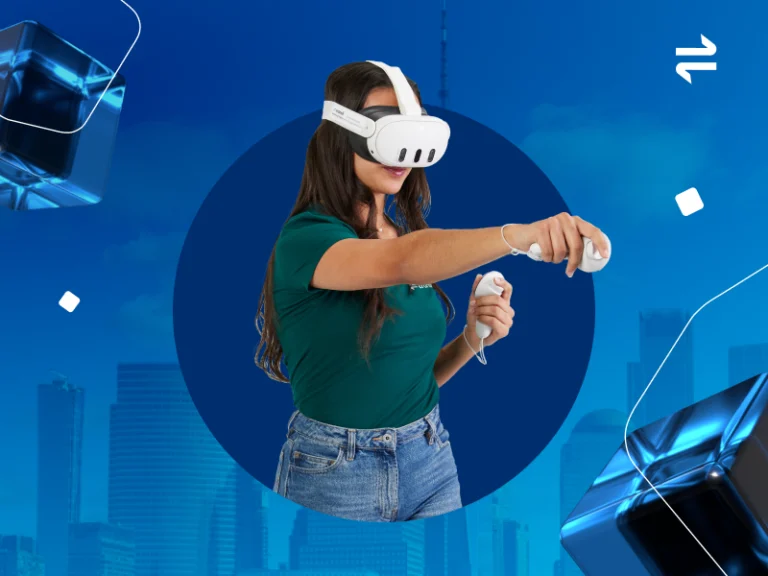
- Interactive VR simulations: Requires learners to interact with immersive content and engage in problem-solving and critical thinking that mimic real-world environments of well-paying careers.
- Virtual coach: Guides simulated work tasks. A diversity of coaches are available (to simulate real-world diversity).
- Accessible and multilingual: Closed captioning in each VR simulation includes real-time text transcription so deaf learners can participate fully and complete simulations. All simulations are available in Spanish.
Tools to prepare and align goals with any career path.
- Graduation and career planning: Features for learners to set and track short and long-term career goals, save their career plan, and share it with teachers, parents, or career advisors (aligns with with standards for career exploration and graduation plans).
- Certification pathways: Information on certifications or academic requirements linked to careers. Provides a list of training programs and colleges in the selected geography.
- Performance tracking and sharing: Displays academic progress, grades, and standardized test scores to ensure students are on track for graduation and desired post-secondary pathways.
Tools to simplify Trek user setup, usage, and analytics.
- Dashboard: An admin console to access learner details (student, classroom, district), career interest data, past pathways explored, and usage analytics.
- Menu Builder: Makes it easy to build a custom VR simulation menu for your class.
- Mission Control: Enables you to monitor VR simulations in real-time so you can track learner activity and progress.
- Sim pass: Speeds up the login process by allowing learners to jump right into the main VR simulation menu or a specific sim using a unique, 5 digit code.
- Single sign-on and automated rostering: Reduces password management risks and overhead, improves the user experience, and ensures students and teachers access the right content in the right virtual classrooms.

Discover And Explore
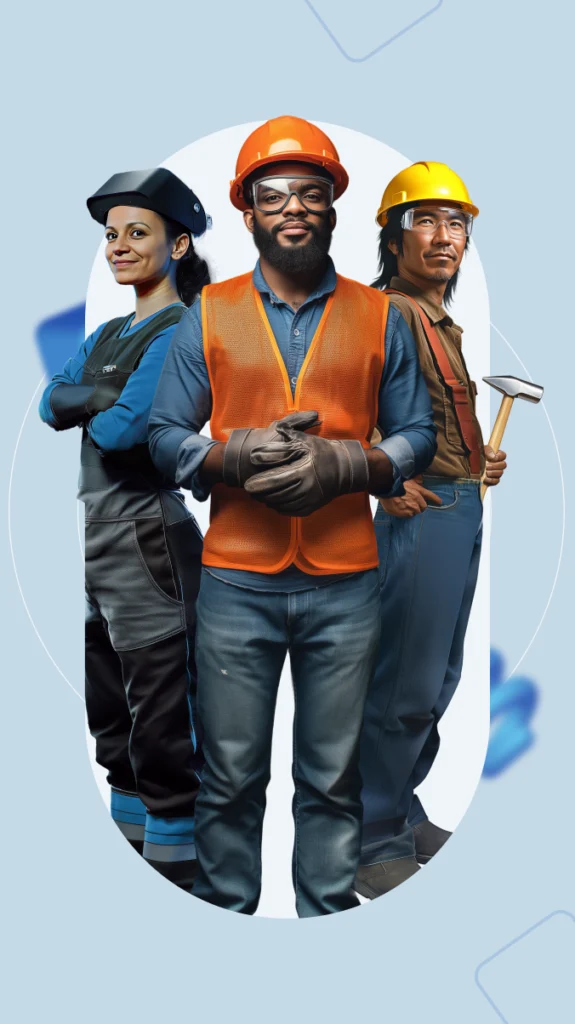
Over 150 Careers
Learners discover detailed career profiles and up-to-date information on a wide range of careers
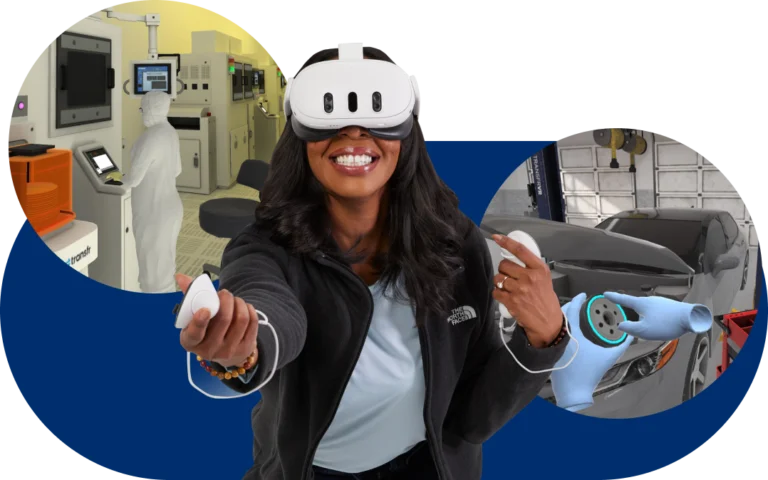
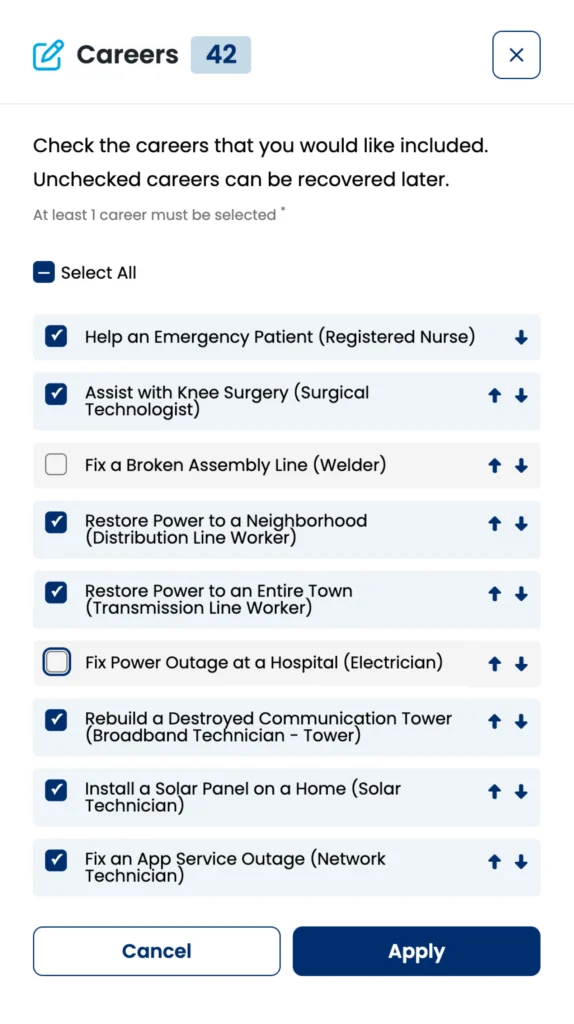
Engage with Interactive VR Simulations
Learners experience a day-in-the-life of jobs that align with their potential career pathways.
If They Love It, They Will Learn
of middle school and high school students reported that Transfr’s career exploration VR simulations were informative for their career decisions and expressed a desire to pursue further VR training.
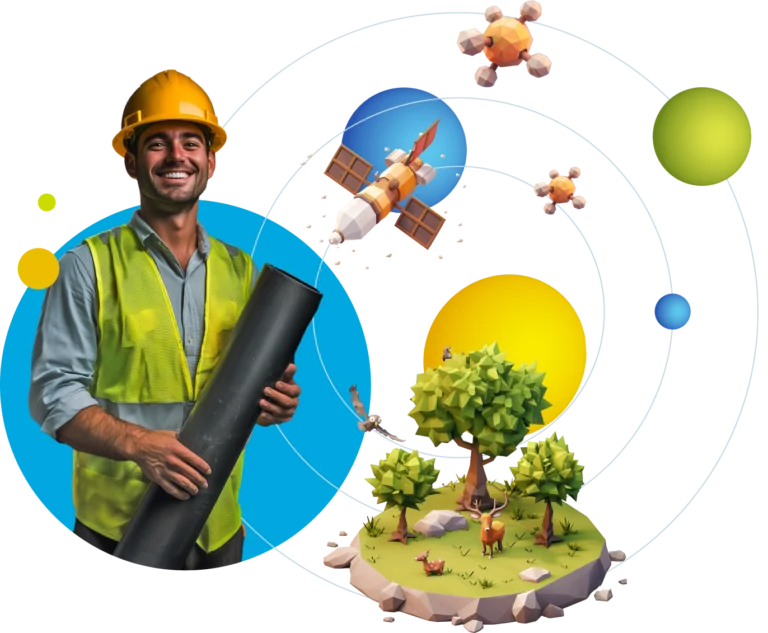
We Support Your Success
Transfr is the leading partner to enable a classroom-to-career pathway in your community.

Access an 8-week, standards -aligned Career Exploration Curriculum with lesson plans, handouts, slides, and guides for integrating Transfr VR into any learning program.

Professional Learning
Transfr’s professional learning series builds facilitator confidence in using VR in the classroom, fostering collaboration and sharing best practices for classroom-to-career pathways.

Transfr can help you navigate available funding opportunities to help you grow your career exploration programs.

Through our national partner footprint we can help bridge career pathways by connecting schools with colleges, employers, and organizations looking to train or hire.

Our Customer Success team is here to help you get the most out of your Transfr experience and achieve your program goals.

As market leaders, we stay nimble, valuing customer input to shape our roadmap. We engage through industry events, webinars, and our annual XR Futures conference.

“Transfr Trek’s connected experiences are helping our students uncover their passions, pursue critical skills, and confidently take action to pursue the next phase of their career planning. Whether students want to pursue a degree or a trade, Transfr gets them on a great pathway.”

Customer Spotlight
Customer Spotlight: Featuring Pender County Schools
Customer Spotlight: Featuring Kannapolis County Schools

Transfr Trek
Frequently Asked Questions
We’ve added several new capabilities to improve the user and educator experience:
- Expanded career coverage with new occupations (web/mobile) to explore and career simulations (VR) to experience
- Improved VR experience: Redesigned interface to improve ease-of-use; career interest inventory, advanced search, advanced filtering for popular simulations and favorites, and troubleshooting are all now available within the VR headset.
- VR download experience improvements: Major improvements to the process, bandwidth requirements, and speed of updating to the latest app version and simulation content.
- Financial Literacy (in web/mobile): Learners can compare the financial details across up to three careers, develop a monthly budget for their chosen career, and set both short and long-term financial goals.
- Past Pathways: Learners and instructors can now view and access all pathways that a learner has explored and submitted in Transfr Trek
- Dashboard updates: The Dashboard now includes financial literacy data within the context of our Trek web/mobile career exploration data.
Trek offers many advantages over legacy CCR software products:
- Multi-modal Approach: Trek combines a mobile-optimized web experience with immersive VR simulations and a robust curriculum resource, providing a more engaging and connected learning journey. Legacy CCR platforms often focus primarily on web-based tools and information for college readiness, with many students complaining that they are more like homework or a tax on their time.
- Emphasis on Career Exploration: Trek prioritizes career exploration, with a strong focus on interactive assessments, VR simulations, and personalized career matching. Legacy platforms often lean more heavily towards college planning and academic tracking.
- VR-Powered Career Experiences: Trek’s VR simulations offer learners a unique opportunity to experience realistic job environments and tasks firsthand. This immersive approach is not typically found in legacy CCR platforms.
- Accessibility and Inclusivity: Trek’s VR simulations are designed to be accessible to all learners, with features like Spanish language support and closed captioning. Legacy platforms may have limitations in terms of language support and accessibility features.
- Focus on Non-Traditional Pathways: Trek recognizes that not all learners are college-bound and provides support for exploring a wider range of career pathways, including skilled trades and apprenticeships. Legacy platforms often prioritize four-year college pathways and fall short of supporting post-secondary paths like trade schools or apprenticeships.
- Affordability and Value: Trek offers a comprehensive solution at a competitive price point, making it a more accessible option for schools and organizations with limited budgets. Legacy platforms can be expensive, especially for smaller districts or organizations.
- Connected Classroom-to-Career Pathway: Trek is designed to support the entire classroom-to-career continuum, from career awareness and exploration to skill development and job placement. Legacy platforms may have a narrower focus on specific aspects of the journey.
- Continuous Improvement and Innovation: Transfr is committed to ongoing research and development, ensuring that Trek remains at the forefront of career exploration technology. Legacy platforms may have slower innovation cycles
Trek helps learners:
- Discover their interests and aptitudes.
- Explore diverse career options.
- Experience realistic job simulations.
- Develop financial literacy skills.
- Create personalized career plans.
- Connect to educational and training pathways.
Transfr provides educators a range of content, planning guides, and practical guidance for using Transfr Trek for back-to-school programming. Learn more.
Trek’s career database of over 100 careers covers a wide range of occupations across all career clusters, including both traditional and emerging fields.
Yes, all of Trek’s VR simulations are available in Spanish, with closed captioning options for enhanced accessibility.
Transfr Trek uses virtual reality (VR) to provide learners with immersive, interactive experiences in various career environments. By incorporating VR into career exploration, Transfr Trek offers a unique and powerful way for learners to gain a deeper understanding of different career paths and make informed decisions about their future. Here’s how:
- Realistic Simulations: Trek’s VR simulations recreate the sights, sounds, and even some of the physical sensations of actual job sites. This allows learners to “step into” different roles and experience the day-to-day tasks and challenges of various careers firsthand. For example, they might perform a virtual surgery as a medical professional, troubleshoot electrical wiring as an electrician, or operate heavy machinery as a construction worker.
- Virtual Coaches: Many VR simulations include virtual coaches that provide guidance, feedback, and support to learners as they navigate the experience. These coaches can offer personalized instruction and encouragement, enhancing the learning process.
- Accessibility: Trek’s VR simulations are designed to be accessible to all learners, with features like Spanish language support and closed captioning. This ensures that everyone can benefit from the immersive learning experiences.
Trek web experience requires an internet browser and internet connection. The Trek simulations are currently supported on Meta Quest and Pico Neo VR headsets. The Trek simulations require an internet connection. We recommend a connection of 20 mb/second or stronger for optimal performance. Contact Transfr for detailed technical specifications.
Trek was built to align with national and state career readiness standards, and it supports the development of essential skills for success in the 21st-century workforce. Treks’ Career Exploration Curriculum Resource–a comprehensive guide that helps you seamlessly integrate Transfr VR simulations into your existing learning program–prepares learners for success beyond the classroom and promotes critical thinking by mapping all lessons to standards like:
- Common Core
- 21st Century Skills/CTE
- ISTE
- ASCA College & Career Readiness
Transfr’s technology is an eligible expense for many federal funding programs. That’s why we actively partner with you to help you navigate the funding landscape. Our Grants Managers are up to speed on the eligibility criteria of federal, state, and local funding sources for various learner groups. They can assist you in identifying potential funding sources for your career exploration program and guide you through the application process, assist with crafting compelling proposals, and leverage our extensive network to connect you with funding partners. Importantly, our commitment to your success extends beyond the initial purchase. We continue to assist you with ongoing program evaluation, data collection, and reporting, which can be crucial in securing additional funding for future program maintenance and expansion. Learn more about specific funding programs here.
A career exploration class should cover:
- Self-assessment: Help students identify their interests, skills, and values.
- Career research: Teach students how to find and evaluate information about different careers.
- Decision-making: Guide students through the process of making informed career choices.
- Goal setting: Help students set realistic and achievable career goals.
- Job search skills: Teach students how to write resumes, cover letters, and prepare for job interviews.
- Workplace readiness: Develop essential skills like communication, teamwork, and problem-solving.
- Financial literacy: Educate students about budgeting, managing finances, and understanding the costs of education and training.
Career readiness is developed through a combination of:
- Career exploration: Learning about different careers and industries to identify potential pathways that map to a learner’s skills and interests.
- Career Planning: Formalizing a career pathway with concrete steps to learn and develop the skills and meet the employment requirements of a chosen field.
- Self-development: Building essential skills like communication, problem-solving, financial literacy, and critical thinking.
- Experiential learning: Gaining hands-on or virtual (immersive) experience through internships, apprenticeships, volunteer work, CTE/pre-employment programs, and VR simulations.
- Networking: Building relationships with professionals, employers, and workforce educators to discover and pursue career opportunities.
Transfr currently supports Clever, ClassLink, and Canvas, which are used by over 90% of K-12 schools in the United States. We’re actively expanding our integration capabilities to cover additional providers this year. We’re also implementing standards-based integrations through OneRoster and LTI to enable bespoke integrations with virtually any identity management system.
To learn more about Transfr SSO, read the product update article.
Automated rostering synchronizes student, teacher, and classroom data from your school district’s student information system to Transfr through providers like Clever. Instead of manually creating accounts and assigning students to classes, the system automatically syncs your existing organizational structures, ensuring students and teachers have access to the right content in the right virtual classrooms. Daily synchronization keeps everything current as class compositions change.
Let’s Connect
Ready to learn more about how Transfr can help you engage with learners and job seekers and get them on pathways to upward mobility? Fill out this form to talk to a Transfr expert.